The palette
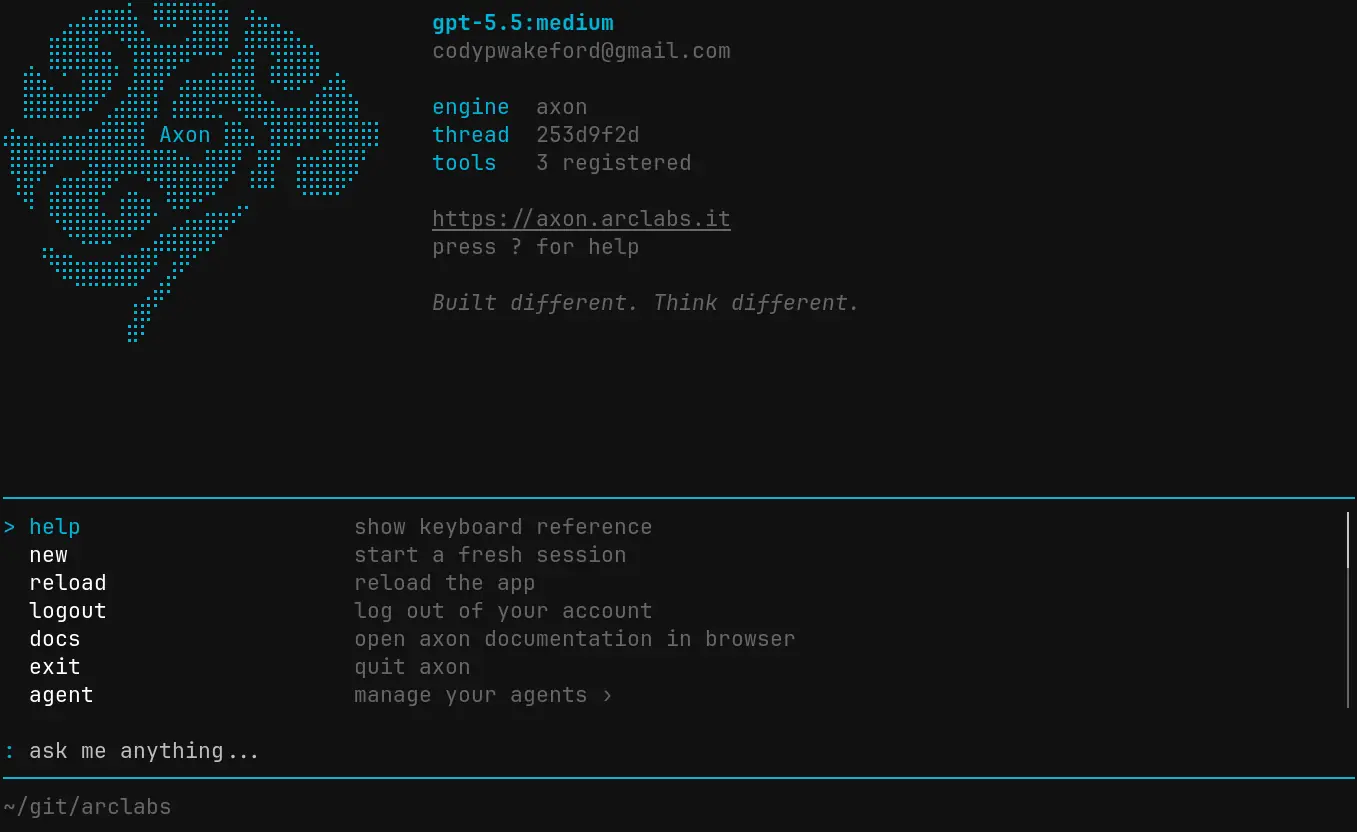
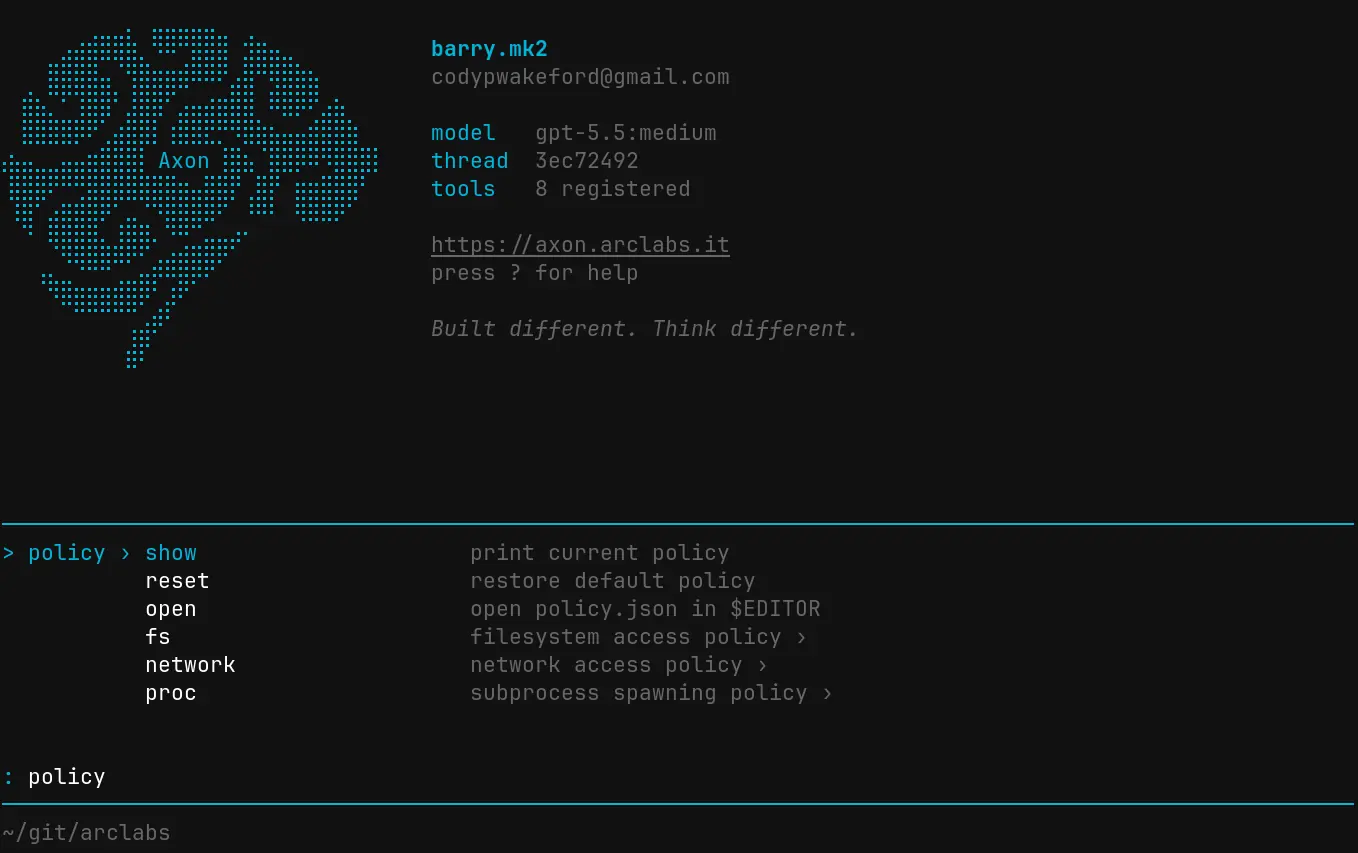
The palette is the command interface behind every mode key. It's a hierarchical,
filterable tree — start typing to filter, use space to descend into a group, Tab to
autocomplete, Enter to confirm. A breadcrumb at the top shows where you are.
Commands (:)
: opens the command palette. Commands are grouped by domain.
App
| Command | What it does |
|---|---|
:help | Open keyboard reference |
:new | Start a fresh session |
:reload | Reload the TUI |
:docs | Open Axon documentation in browser |
:logout | Log out |
:exit | Quit |
Agent
| Command | What it does |
|---|---|
:agent new <name> | Create a new agent |
:agent select | Switch to a different agent |
:agent open | Open the agent folder in $EDITOR |
:agent deploy | Deploy the active agent to Axon Cloud |
Modules
| Command | What it does |
|---|---|
:module install | Install a module from the registry |
:module remove | Remove an installed module |
:module upgrade | Upgrade installed modules |
:module list | List modules on the active agent |
Policy
| Command | What it does |
|---|---|
:policy show | Print the current capsule policy |
:policy reset | Restore the default policy |
:policy open | Open policy config in $EDITOR |
:policy fs | Filesystem access rules |
:policy network fetch | Network fetch rules |
:policy proc | Process spawning rules |
Keys
| Command | What it does |
|---|---|
:keys set openai | Connect an OpenAI API key |
:keys set openrouter | Connect an OpenRouter API key |
:keys show | Show configured keys (masked) |
:keys clear | Remove all saved keys |
Session
| Command | What it does |
|---|---|
:session open | Open the active session file in $EDITOR |
:clear session | End the current session and start fresh |
:clear sessions | Delete all session data for the active agent |
:clear history | Wipe input history |
:clear data | Wipe all local data and log out |
Ollama
| Command | What it does |
|---|---|
:ollama ps | Show models loaded in VRAM |
:ollama unload <model> | Unload a model from VRAM |
:ollama remove <model> | Delete a model from disk |
:ollama update | Re-pull all installed models to latest |
:ollama stop | Stop the Ollama server |
Settings and theme
| Command | What it does |
|---|---|
:settings open | Open settings in $EDITOR |
:theme set <theme> | Apply a colour theme |
:theme reset | Reset to default theme |
:header set <header> | Switch header art |
:header reset | Restore built-in Axon logo |
Scripts (!)
! lists every script in the active agent's src/scripts/. Select one to run it
immediately. Output streams into the chat as it arrives.
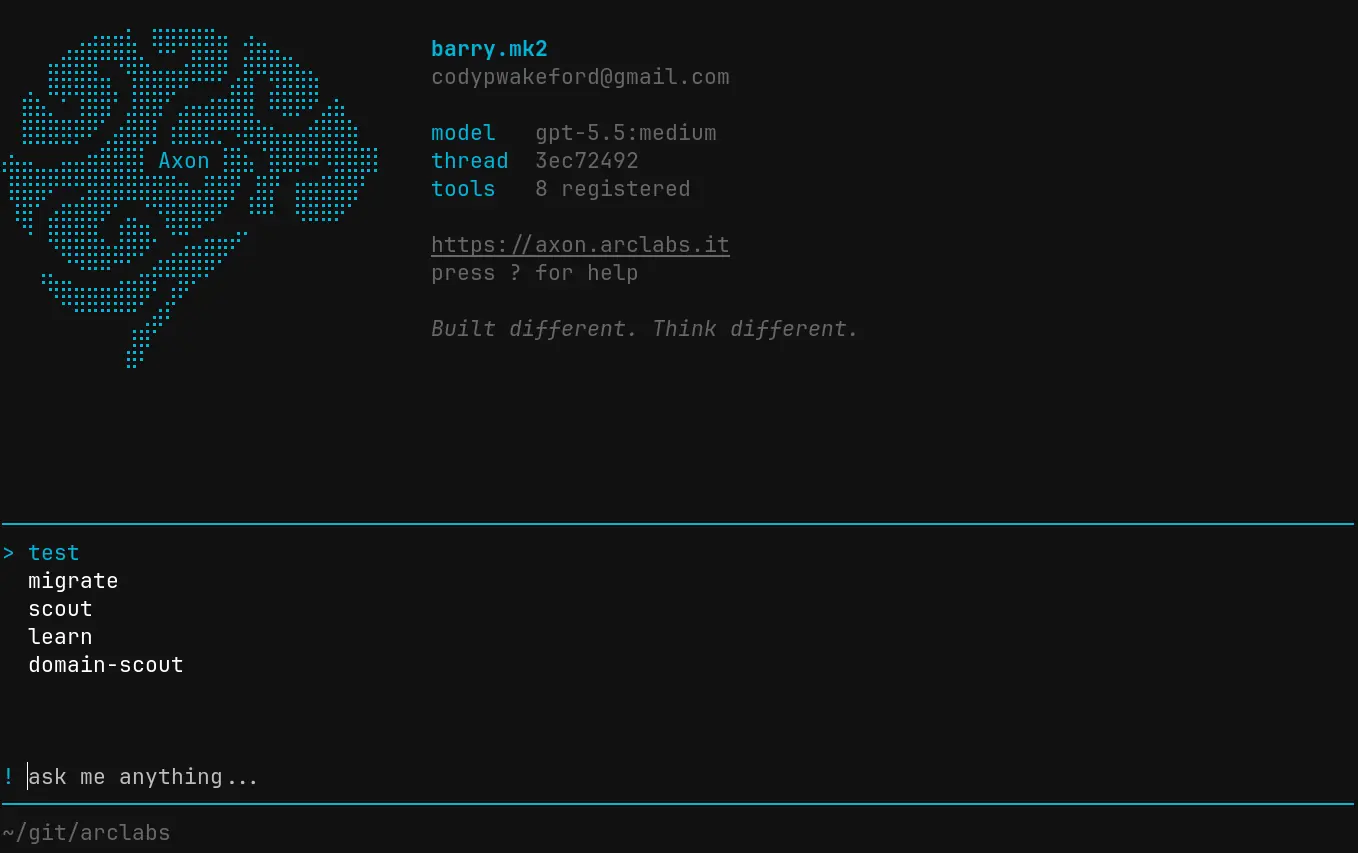
Scripts run non-blocking — the TUI returns to normal mode immediately and output appears as capsule stdout entries in the chat. You can send messages while a script runs.
Prompts (>)
> lists every prompt in the active agent's src/prompts/. Selecting one renders the
prompt server-side and inserts the result into the input bar. You can edit it before
sending.
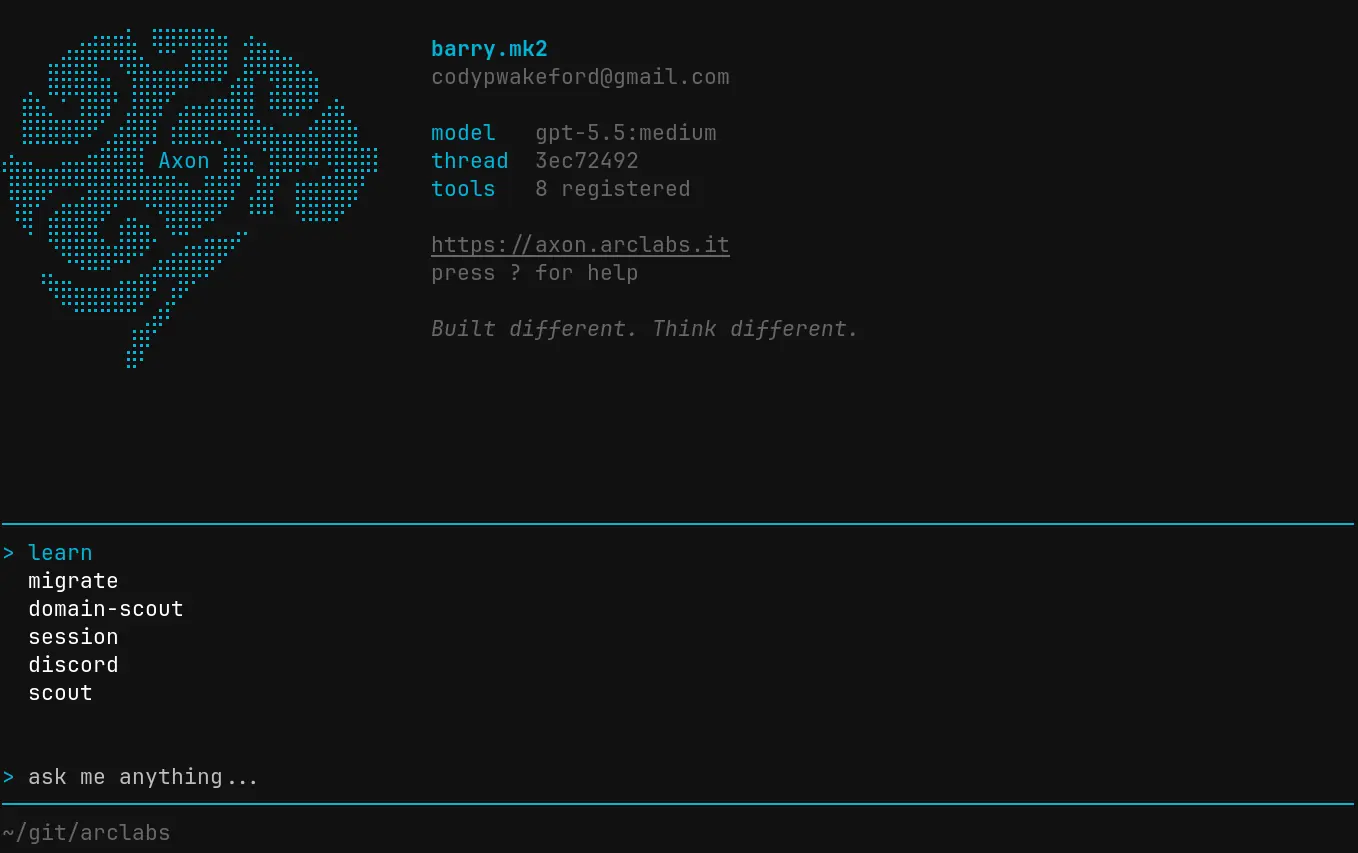
Dynamic prompts (.vue) with typed props show a form for filling in arguments before
rendering.
Sessions (@)
@ lists all sessions for the active agent. Sessions are scoped per agent — switching
agents shows that agent's sessions only. Select one to resume it.
Theme (")
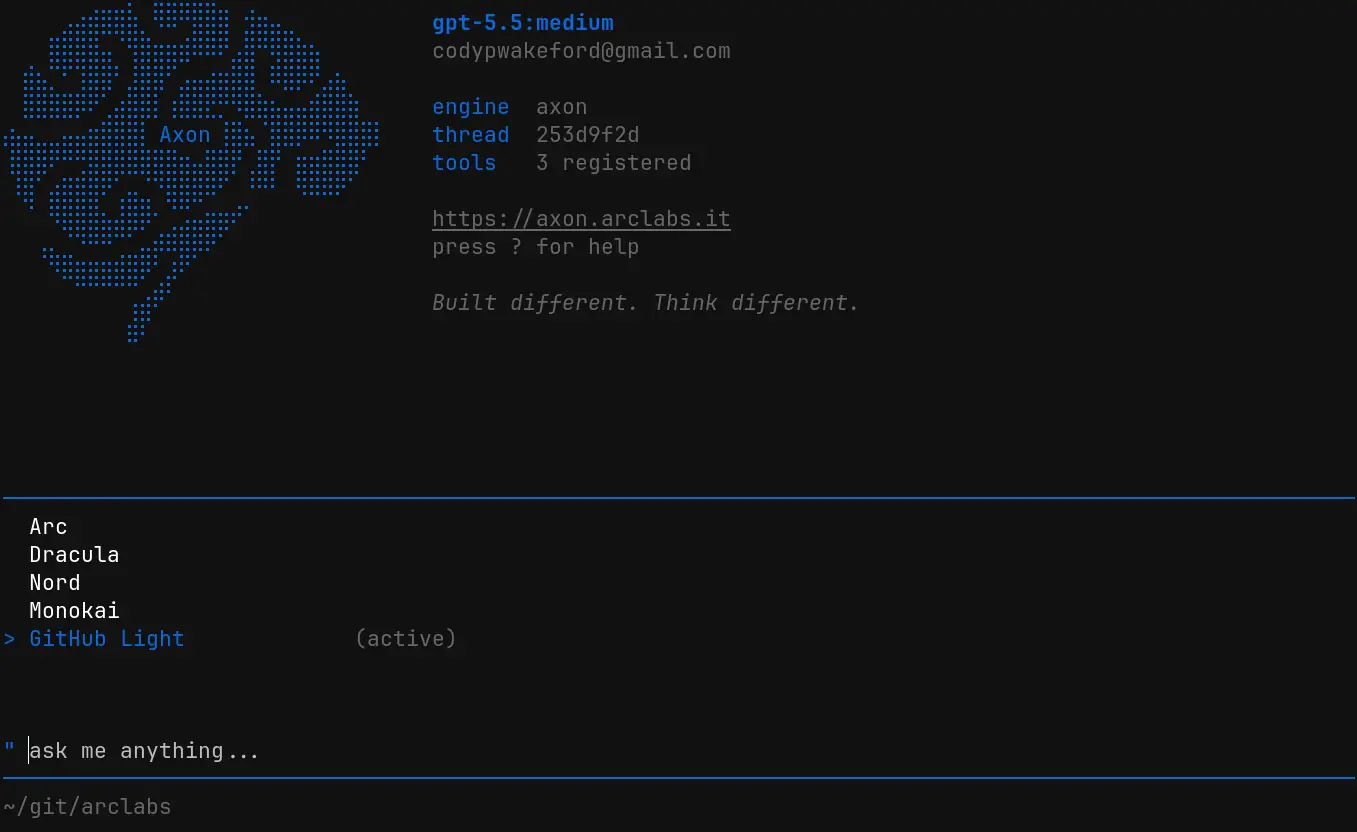
" opens the theme switcher. Themes apply live as you move through the list — no need
to confirm before seeing the result. Escape reverts to the previous theme if you change
your mind.
Keyboard reference (?)
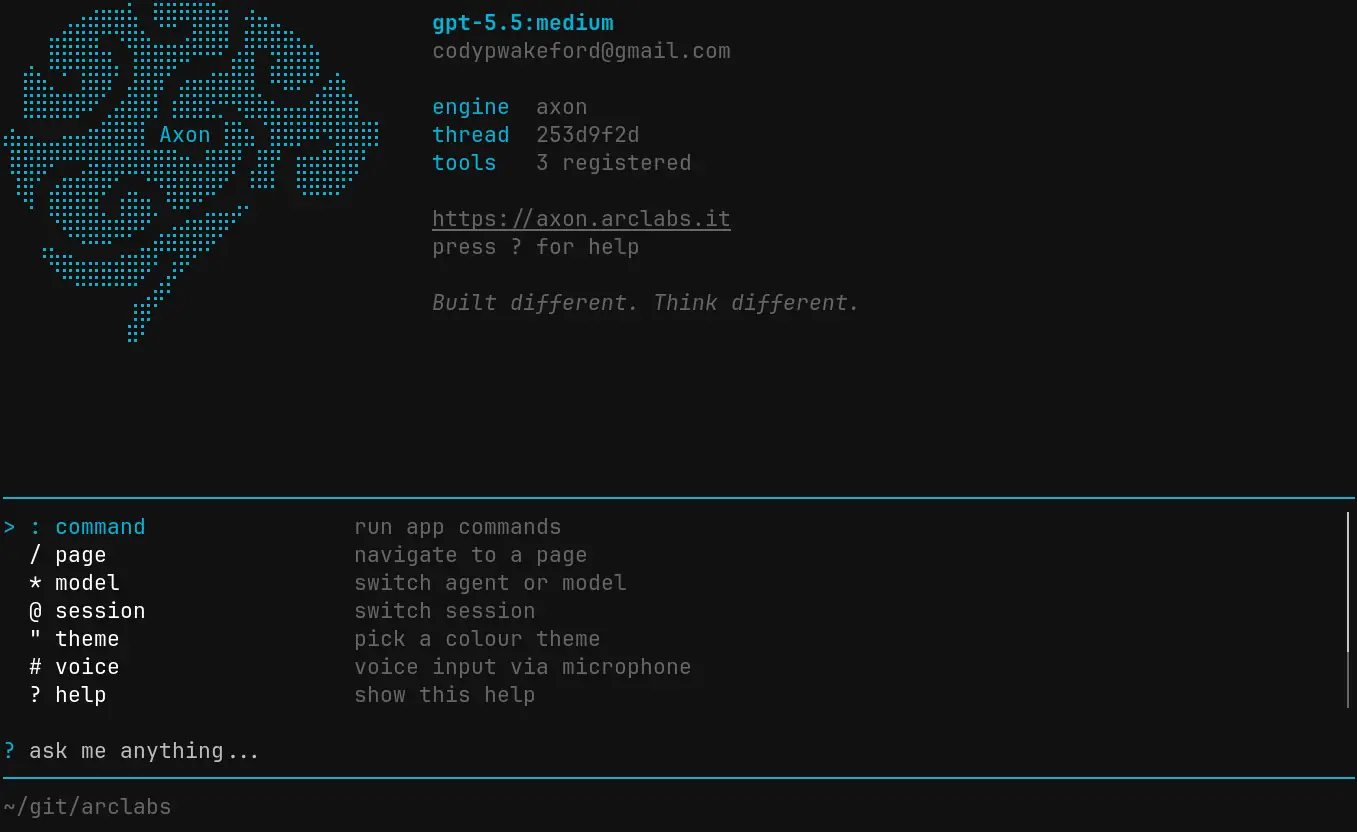
? opens the full keyboard reference — every mode key, every shortcut, in one view.
Keyboard shortcuts
| Key | Action |
|---|---|
Escape | Return to normal mode, abort a running stream, or deny a policy escalation |
Escape Escape | Clear the input (double-tap within 400ms) |
Shift+Enter | Insert a newline |
↑ (empty input) | Open input history |
Tab | Autocomplete or descend into a command group |
↑ / ↓ | Move through palette items |
Enter | Confirm palette selection or send message |
Policy escalations
When a tool call requires approval — because it matches an escalate rule in the agent's
policy — the TUI automatically switches to escalation mode. The input bar shows ‼ and
the palette presents the call details with allow and deny options.
Approving updates the policy for future calls of the same kind. Denying sends a rejection
back to the agent. Escape always denies.