The Axon terminal
A terminal client built for running agents. Every tool call is visible, every conversation is navigable, every model is a few keystrokes away — and almost all of what you see below is yours to change.
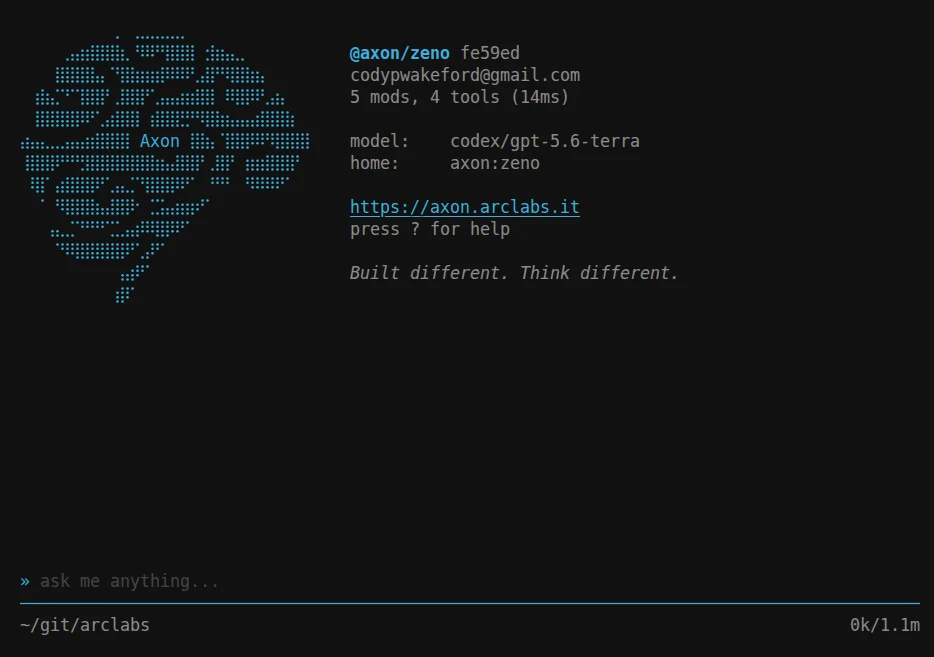
The header is the whole state of the terminal in six lines: which agent you are talking to, the model behind it, how many modules and tools it loaded and how long that took. The bar at the bottom holds your working directory and the token count for this conversation.
You never install an agent to get started. On first launch the TUI ensures Zeno exists — a real agent project in your profile, cloned from the registry — because an agent is the only thing that can run, and a new user has none. Delete it and it comes back.
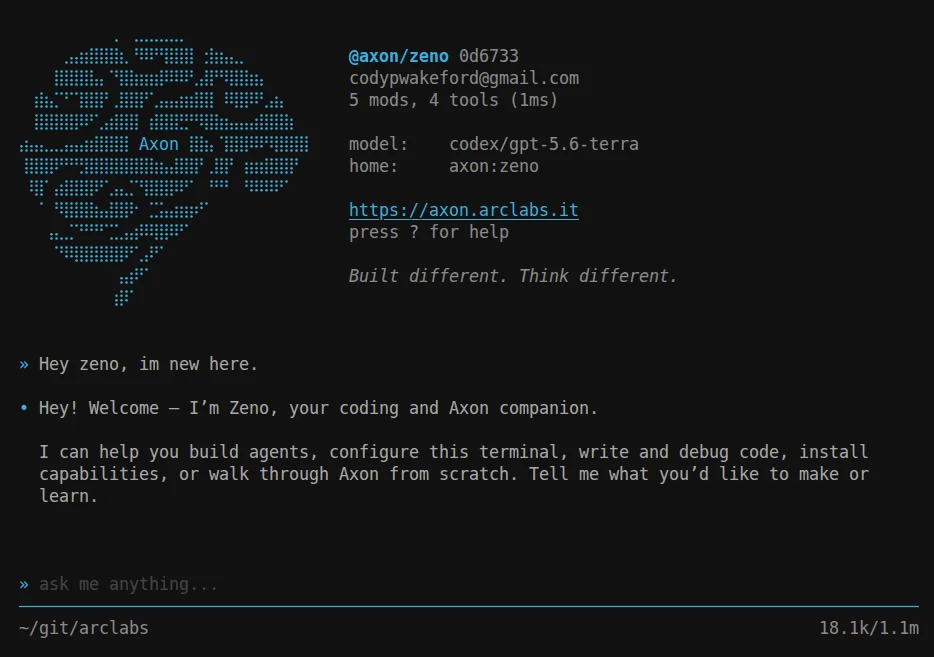
Type, press Enter, and you are talking to it. That is the floor.
Everything is a keystroke away
Press : on an empty input and the command tree opens. Type to narrow it, Space to
descend into a group, Enter to run.
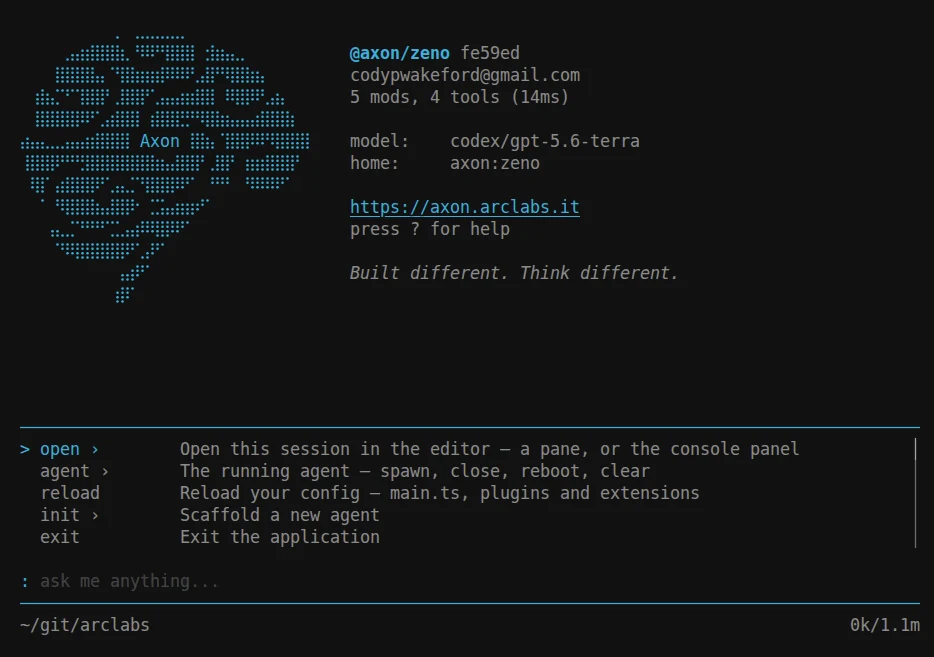
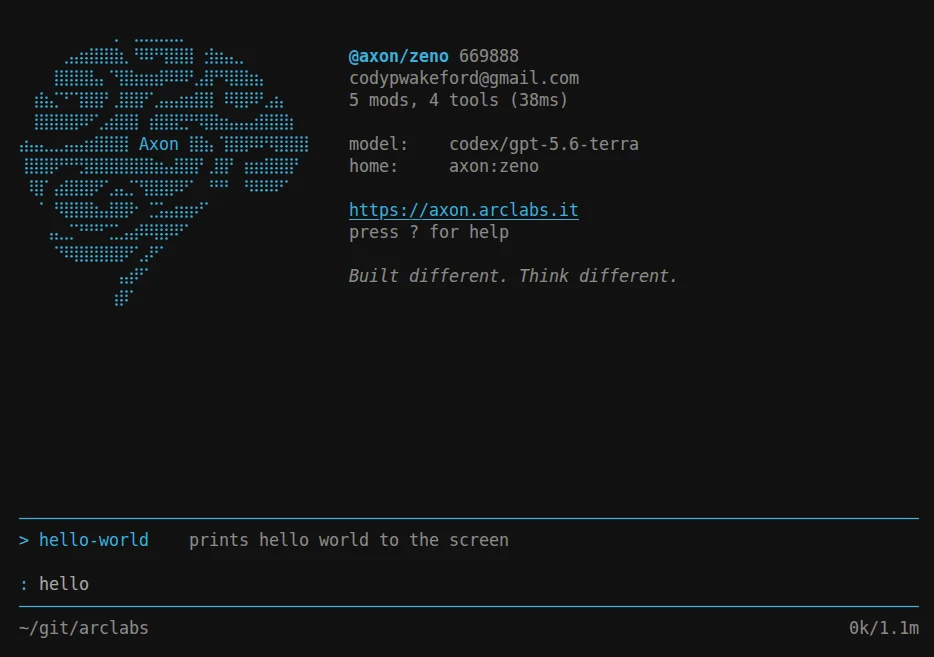
The tree is not a fixed menu. Commands you write in your profile sit in it beside the built-ins, indistinguishable and filterable the same way:
Descend into :module install and you are browsing the registry — search, camera, a
Discord bridge — installing straight into the focused agent:
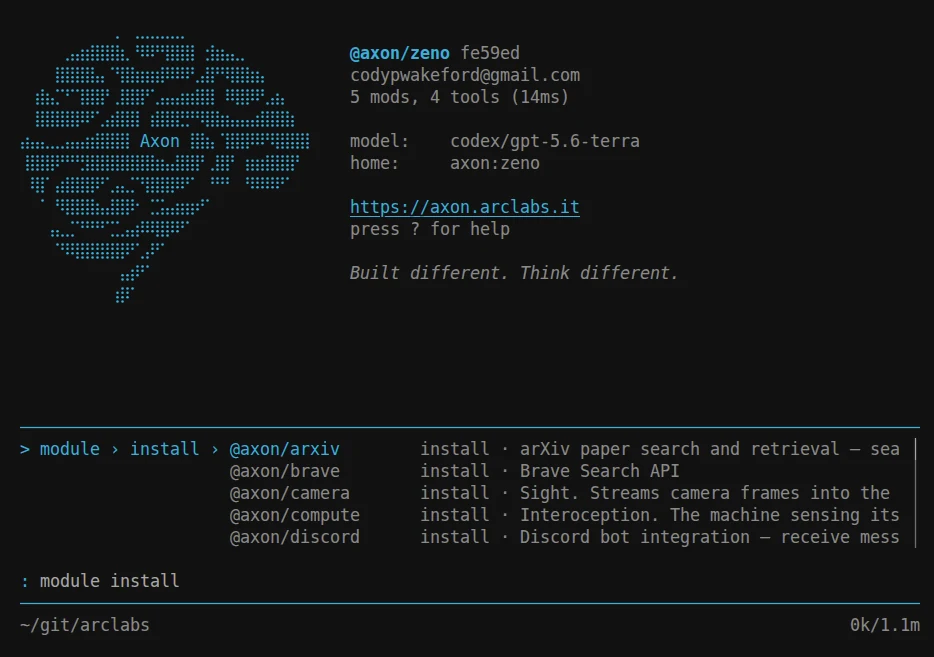
Each palette is one key on an empty input: ~ for agents, * for models, % for
modules, " for themes, ? for the full keyboard reference. The active one shows as a
symbol at the input bar, so the thing telling you what a keystroke will do is always the
thing you are typing into. Anatomy has the complete list.
Every model in one list
* opens every way you have to run a model, grouped by provider and priced where
pricing applies:
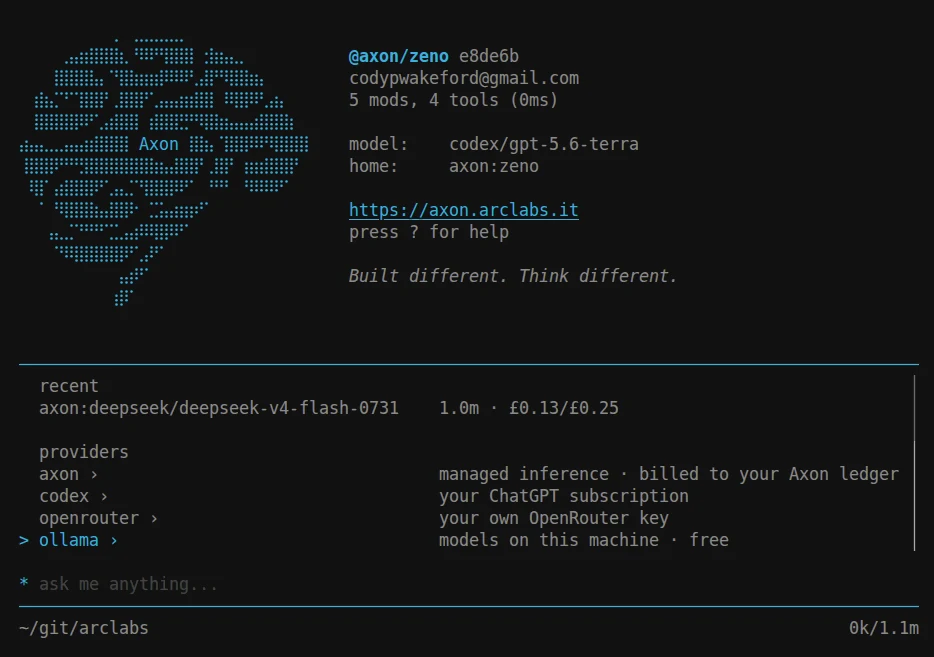
Managed inference on your Axon ledger, your existing ChatGPT subscription, your own OpenRouter key, or models running locally on your machine for nothing. Switching is picking a different row. Models covers connecting each one.
Many agents, many conversations
~ lists every agent in your profile and shows which are already running:
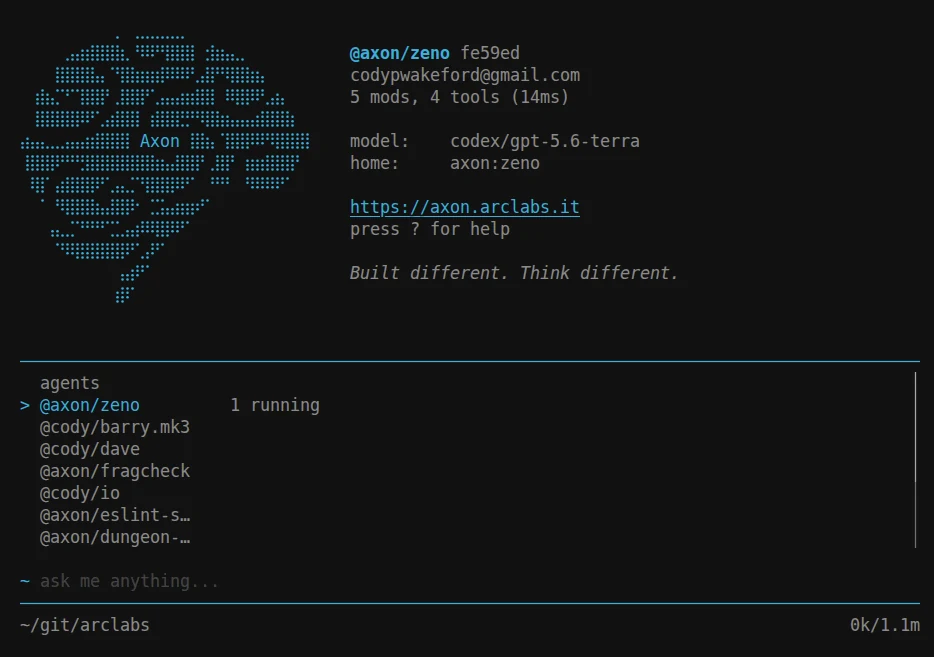
One agent can have many instances running at once, and each writes its own session to
disk. / switches between the live ones, ^ reopens a past one. Nothing reachable from
a palette destroys a conversation — :agent close is the only verb that ends one, which
is what makes all of this safe to explore.
Make it yours
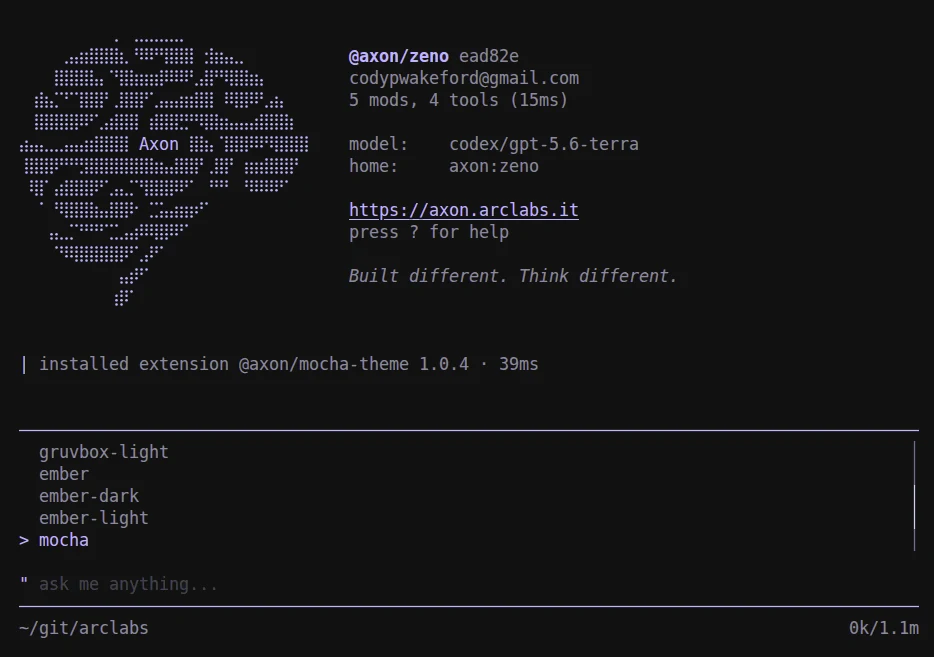
" opens the theme palette and previews as you move:
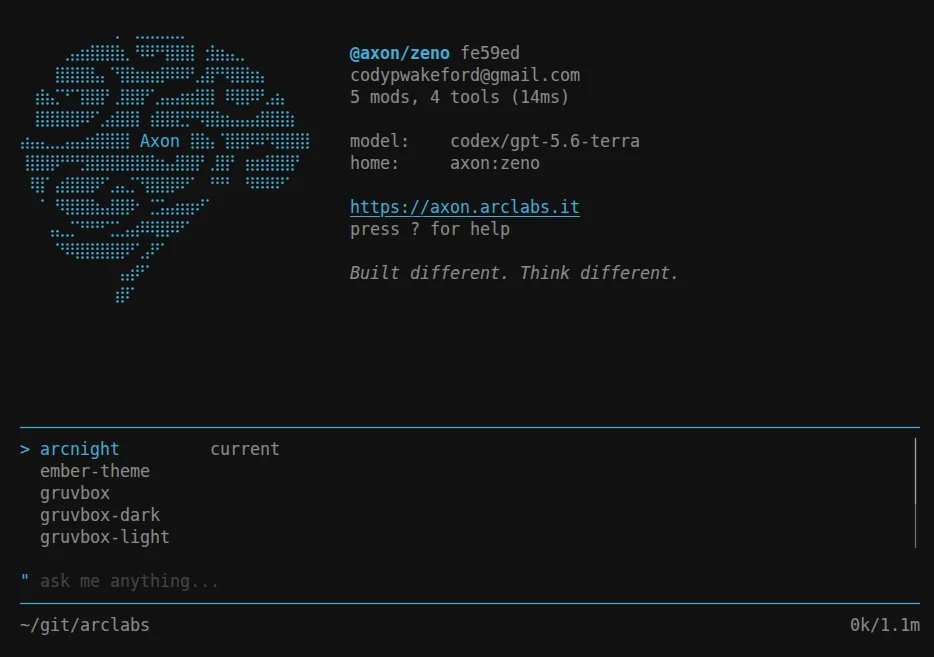
Themes ship as extensions, so installing one is a command and the new theme is in the list the moment it lands — no restart, no config file to edit:
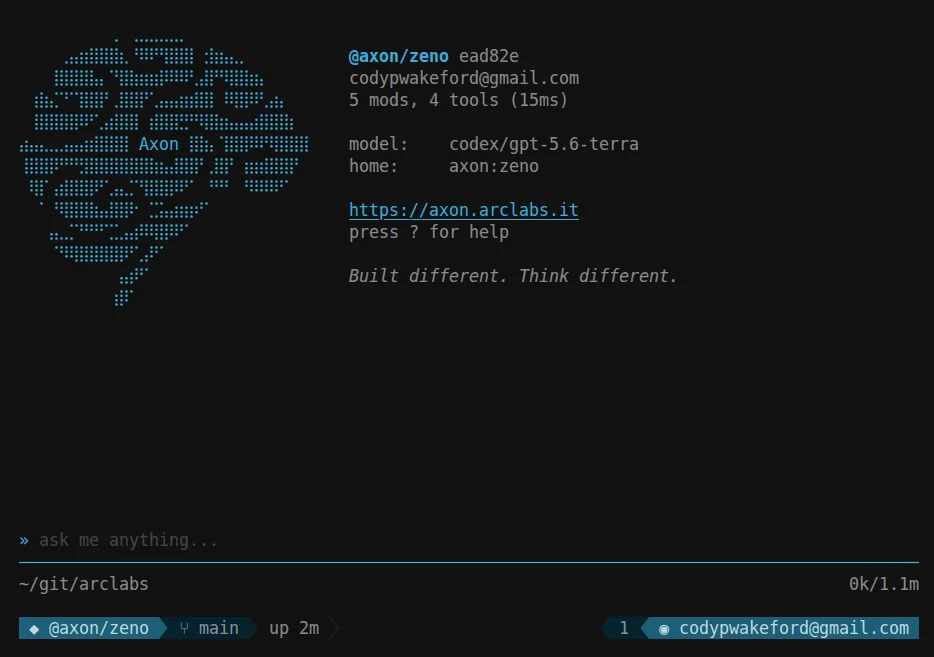
The rows above the input bar are yours too. They are lines — you choose which appear, in what order, and how they are drawn:
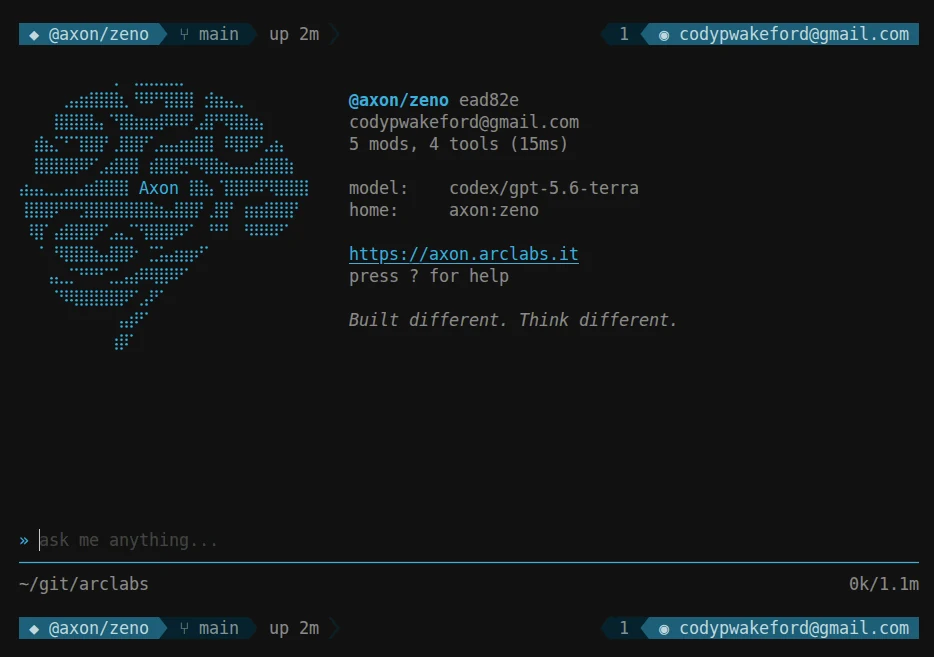
Put one above the conversation as well, and the terminal starts to look like a cockpit:
Powerline arrows, rounded caps, square blocks, or no glyphs at all. Pick a theme, pick a style, compose your own rows — and it stops looking like anyone else's:
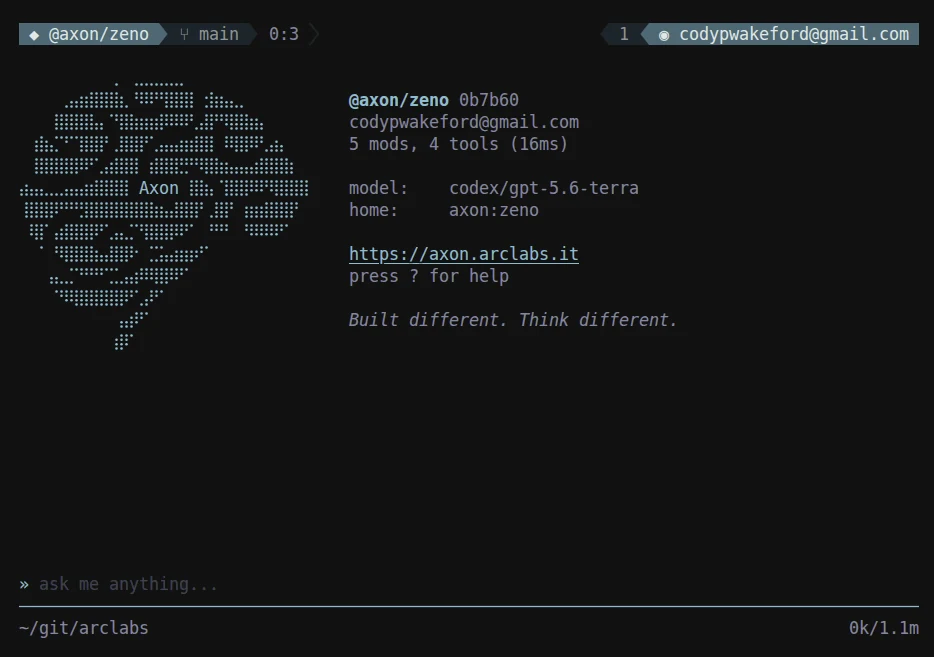
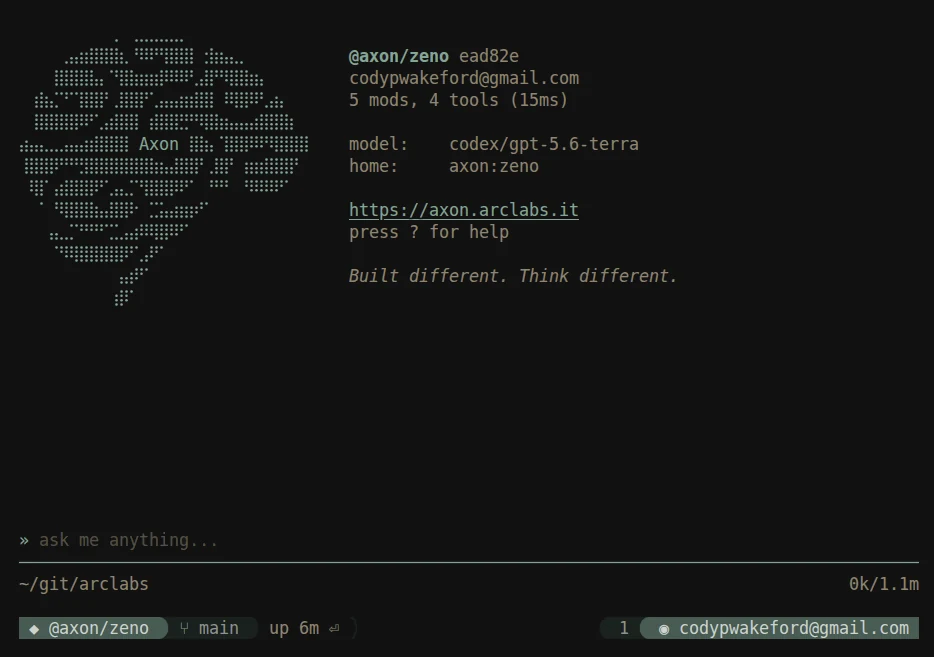
Same terminal, three configs. All of it is TypeScript in your
profile — reloaded with :reload, no restart.
What's next
Anatomy — the screen region by region, and every mode key.
Models — one searchable list of every way to run a model.
Profile Structure — where your config lives on disk.
lines · components — compose the status bars above.
API — the formal reference for the ten globals.