Connecting to agents
The TUI connects to agents running anywhere — locally on your machine, deployed to Axon Cloud, or on any server running the Axon runtime. Switch between them at any time without leaving the session.
Local agents
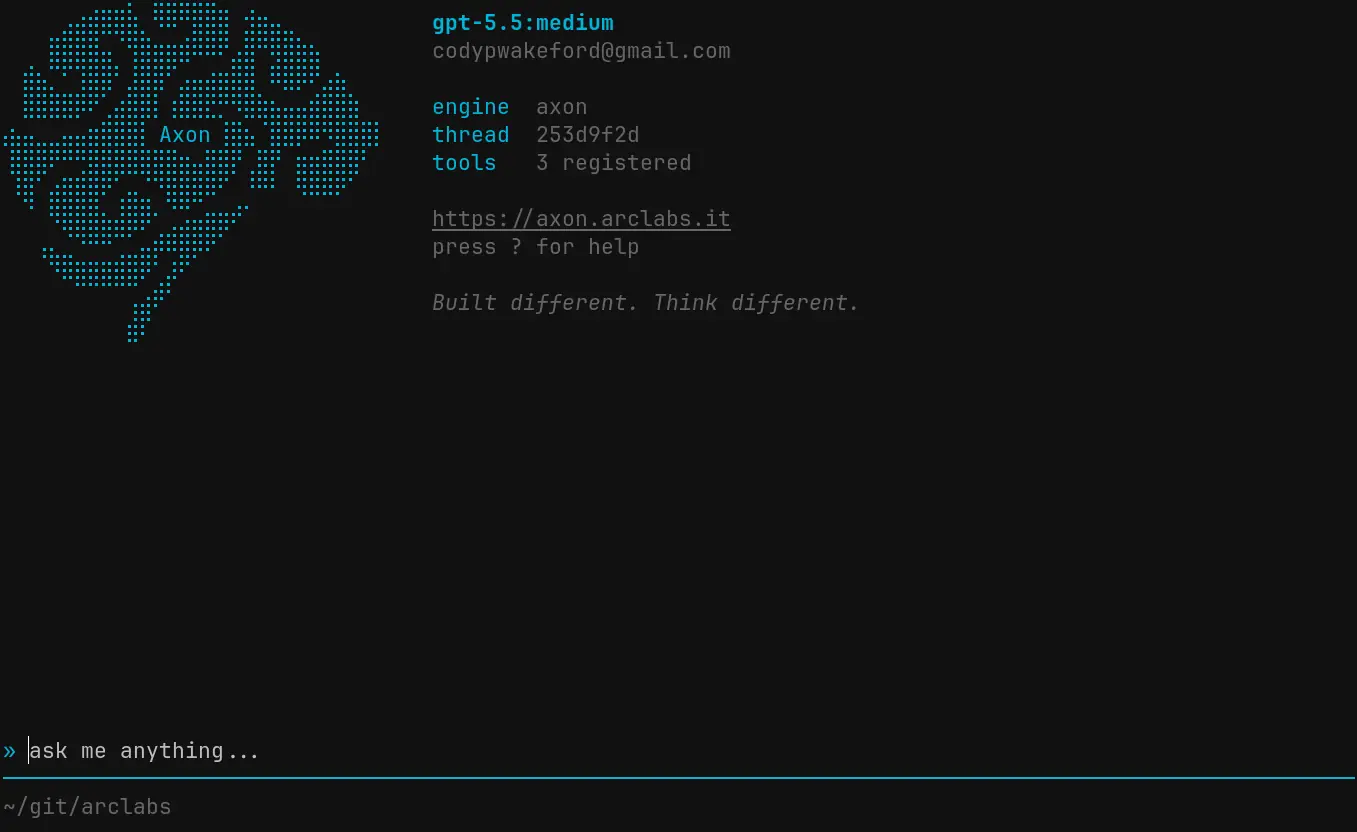
Local agents are agents you've built that run on your machine. When you select one, the TUI spawns the agent process in the background and connects to it. The capsule starts, tools load, and the agent is ready.
# Boot Axon from your agent directory
cd ~/my-agent
axon
The TUI detects the agent from the working directory and connects automatically.
Repo agents
If your repository has a .agents/ folder, those agents appear automatically in the
agent switcher. No configuration required — the TUI scans the repo on boot and lists them
alongside your owned agents.
Repo agents are read-only in the switcher. To edit one, open it directly with
:agent open.
Deployed cloud agents
Agents deployed to Axon Cloud appear in the agents tab with their deployment status. The TUI connects over WebSocket with automatic JWT auth — no API keys to manage manually.
Select a deployed agent and the TUI handles the connection. If the agent is provisioning
it will show its status. If it's stopped, start it first with :agent deploy or from
the dashboard.
Profiles
The TUI supports multiple profiles — each profile is a separate account with its own
agents, sessions, and settings. Switch profiles at login or via :logout to sign in as
a different user.
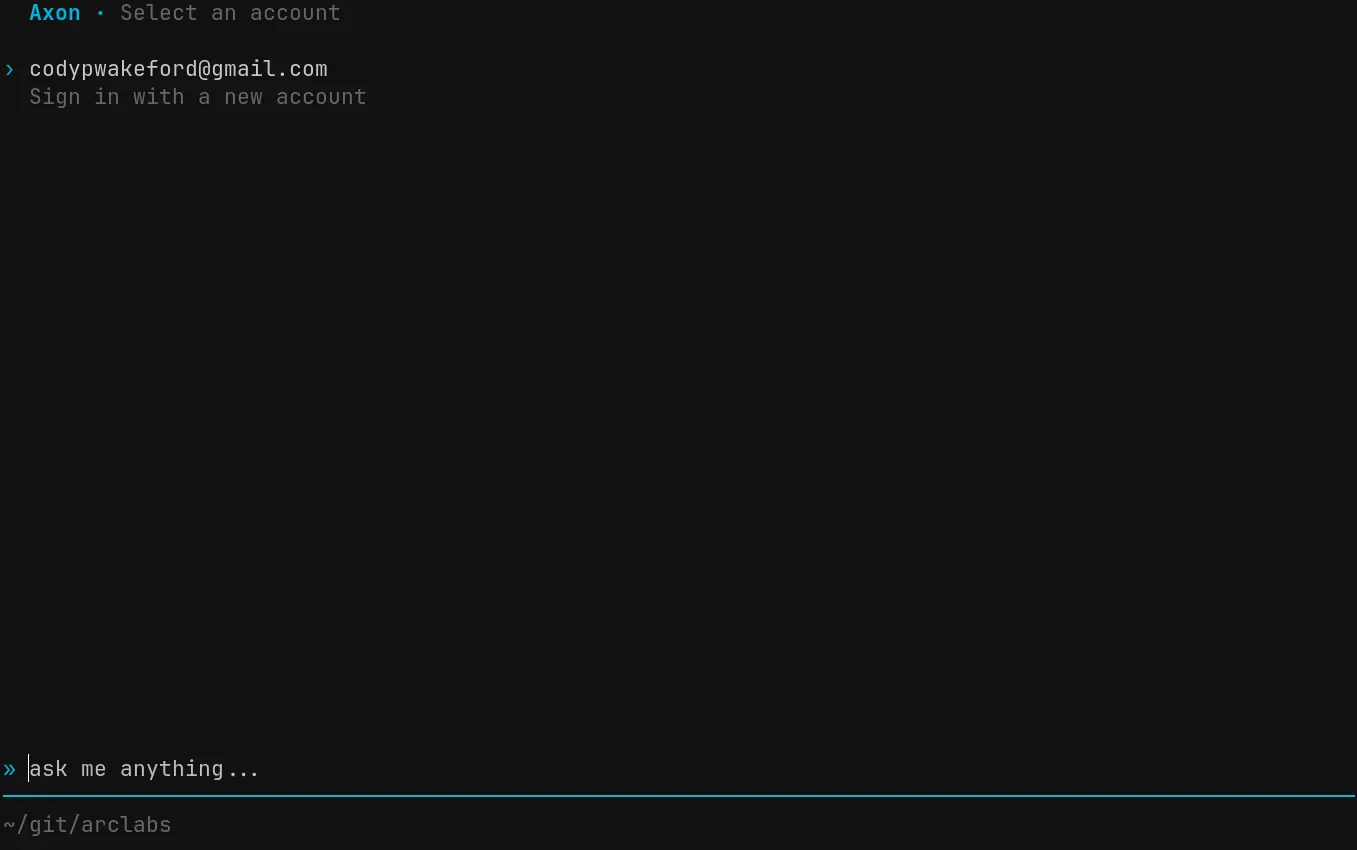
Each profile has its own set of agents. Switching profiles gives you a completely separate workspace.
Switching agents
* opens the agent and model switcher at any time. The agents tab shows everything
available within the current profile — owned, repo, and deployed — with the active agent
marked.
Switching agents starts a new session with that agent. Your previous session is preserved — switch back and it resumes.
Arbitrary Axon servers
Any server running the Axon runtime can be connected to directly — self-hosted agents, staging environments, or team-shared instances.
axon connect wss://my-agent.example.com --key axon_...
The connection is authenticated with the API key issued by that server. Once connected, the session behaves identically to any other agent — same palette, same pages, same keyboard shortcuts.
Authentication
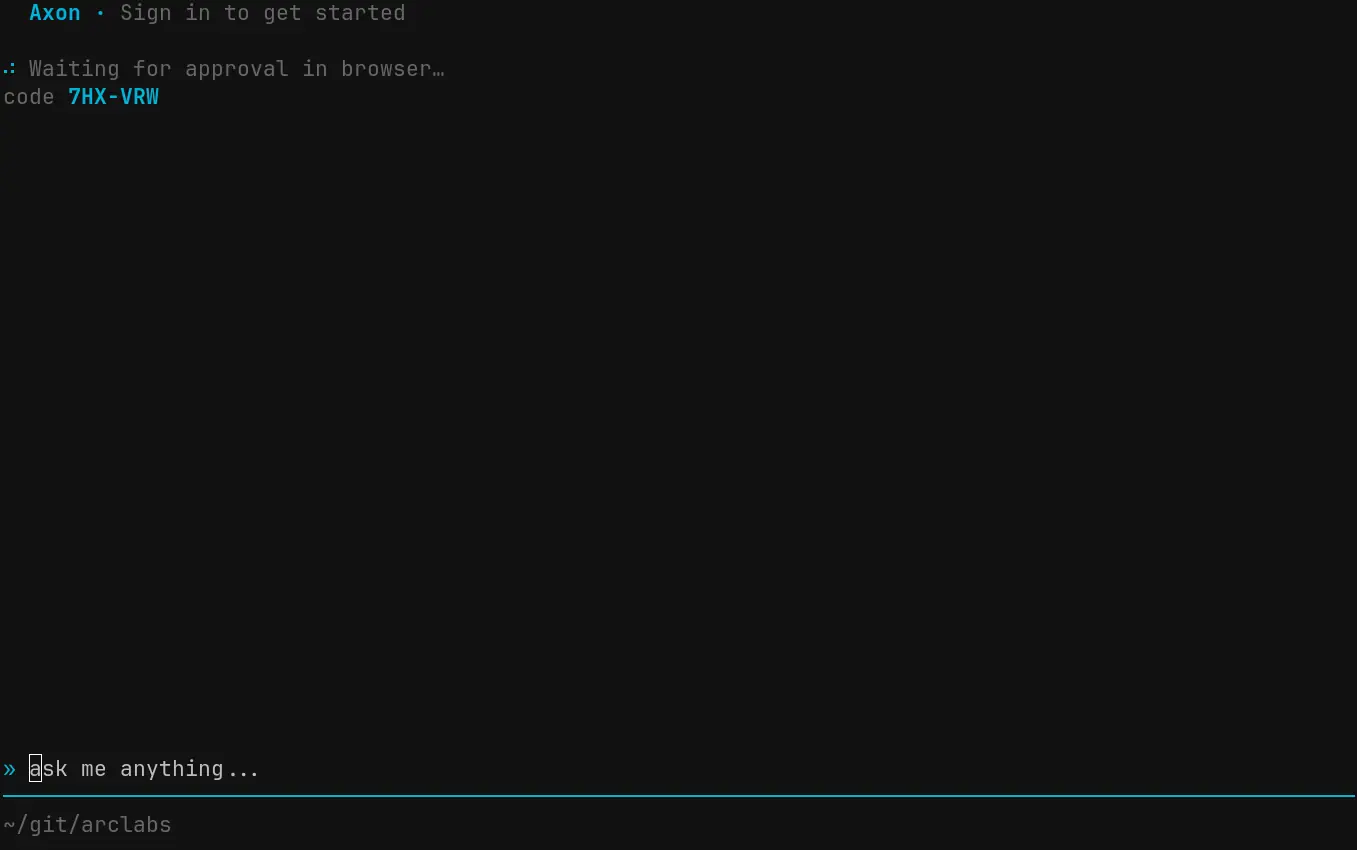
On first boot, or when logging into a new profile, Axon uses a device authorization flow. A code is displayed in the TUI — open the link, enter the code, and the session authenticates without typing credentials into the terminal.