Capability, installed
A module is a bundle of tools, prompts and routes that any agent can depend on. Declare it in axon.config.ts and its capability is available at the next boot — versioned and resolved like any package.
Building modules →One place to build agents, share them, and see exactly what they did. From a coding partner in your terminal to an autonomous machine in the field — same folder, same runtime, same trace.
axon init scaffolds four files. The rest of the structure is opt-in — Axon discovers whatever is there at boot, so folders you do not use simply do not exist.
File-based routing — the filename is the path, and the method is a suffix. Routes stay thin: most call a script and return its stream.
// server/api/health.get.ts → GET /api/health// server/api/review.post.ts → POST /api/reviewexport default defineEventHandler(async (event) => { const { issueId } = await readBody(event) const prompt = await axon.prompt("code-review", { issueId }) return axon.stream({ prompt })})boot.vue is a Vue component that renders to Markdown. Identity composes — split it into sections, reuse fragments across prompts, load knowledge files at render time. Save it and the running agent reloads in about 40ms with the session intact.
Every framework hands you a loop and asks you to fill it in. Axon gives the agent a shape instead — so the runtime owns the hard parts, and improvements reach every agent you have already written.
Every palette is one keystroke — models, agents, modules, themes. Every command, keybind and status line is a TypeScript file you write, so the terminal you end up with is not the one anybody else is running.
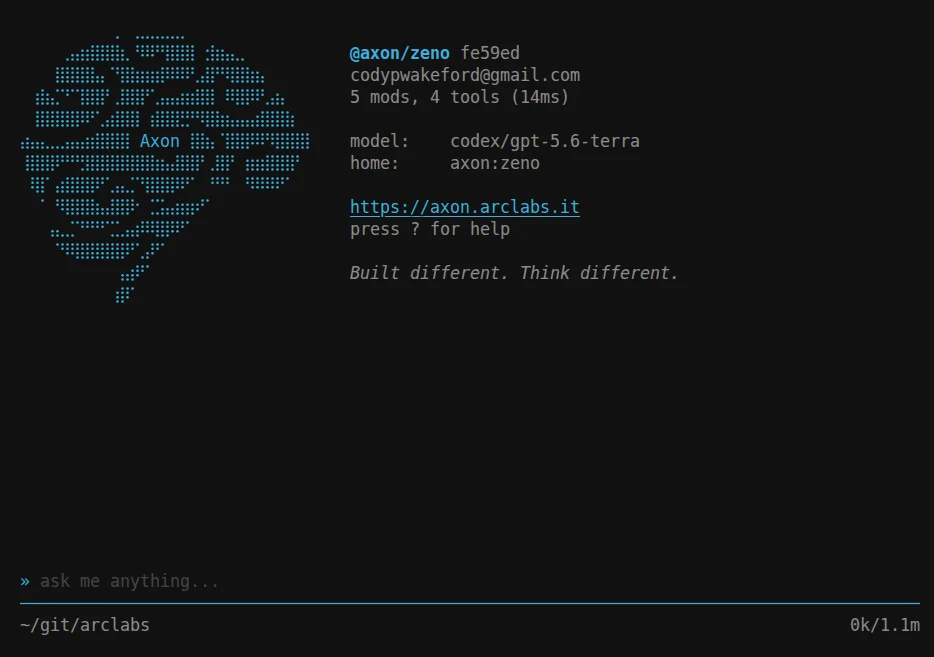
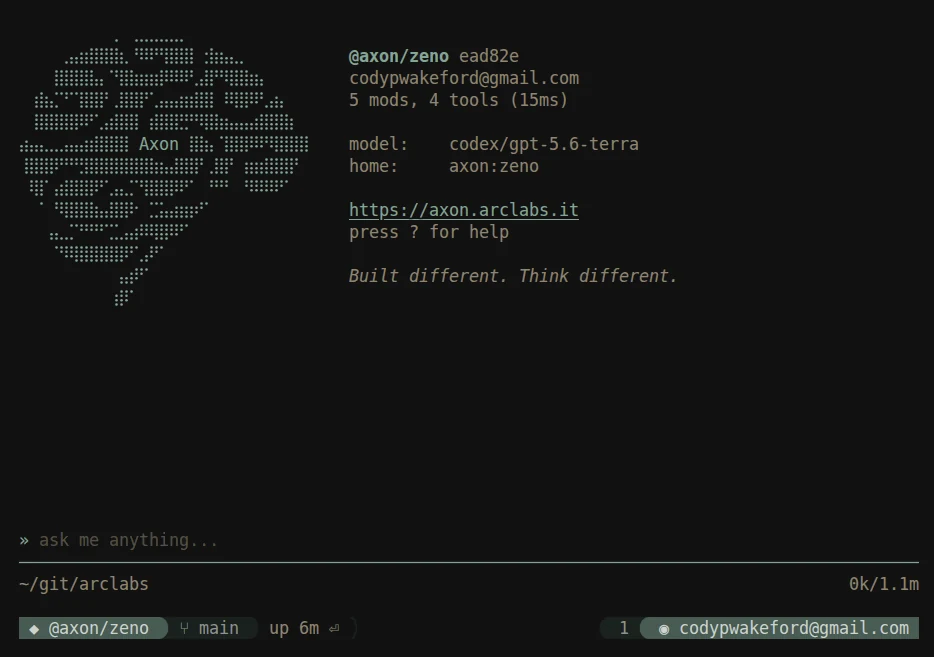
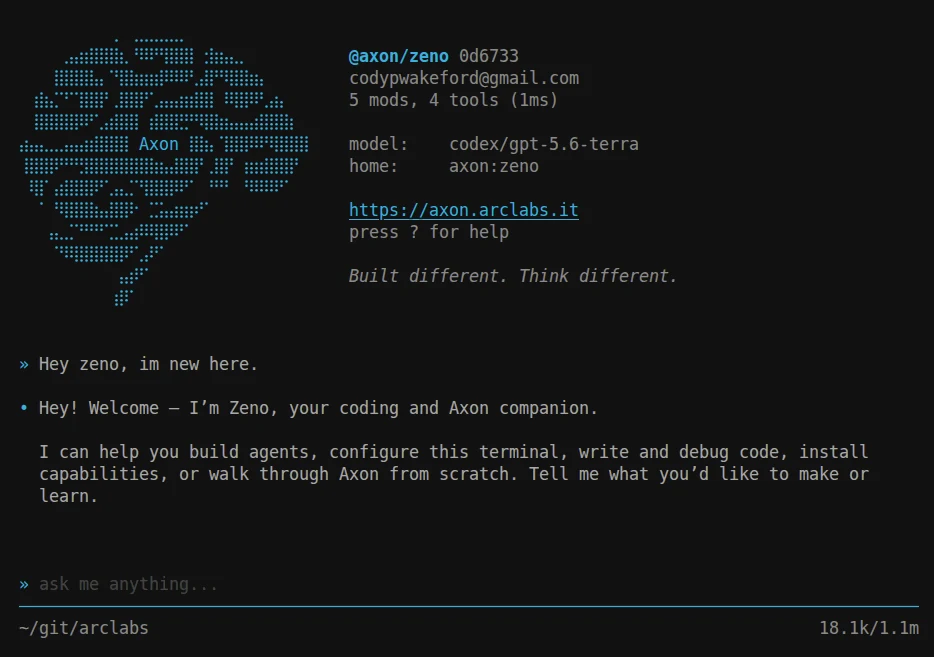
Everything an agent depends on is versioned, publishable and installable through the same registry — so adding a capability is a line in a config file, not an afternoon of wiring.
A module is a bundle of tools, prompts and routes that any agent can depend on. Declare it in axon.config.ts and its capability is available at the next boot — versioned and resolved like any package.
Building modules →Themes, commands, palettes and status lines ship as installable extensions. Install one from the palette and it is live immediately — no restart, no config file to hand-edit.
Extending the TUI →Declare what varies and how many times to repeat. The runtime runs every test against every declaration and records duration, tokens, cost and failures without you asking.
Measuring agents →~/.axon holds your model providers, your themes, your keybinds and every agent you have installed. It is a real TypeScript project rather than a settings file — so your config imports from npm, your editor types it, and a save reaches the running terminal in about 40ms.
Providers, extensions and settings. Adding a model provider is adding it to this array — the same list drives every agent in the profile, so a key is configured once rather than per project.
export default defineProfile({ extensions: [ "@axon/gruvbox-theme@1.0.3", "@axon/nord@1.0.3", "@axon/tokyo-night@1.0.3", ], settings: { theme: "arcnight", paths: ["~/git/arclabs/registry/agents"], }, providers: [Axon(), Codex()],})Nothing here is hidden from you. No settings pane, no synced preferences, no state you cannot read. Every choice you make is a line in a file you can diff, commit, and carry to the next machine.
Agent code runs in an isolated capsule. Every filesystem, network and process call crosses a real policy boundary before it executes, and you decide what passes — allow it, deny it, or have the agent ask. The model is untrusted by architecture, not by good behaviour.
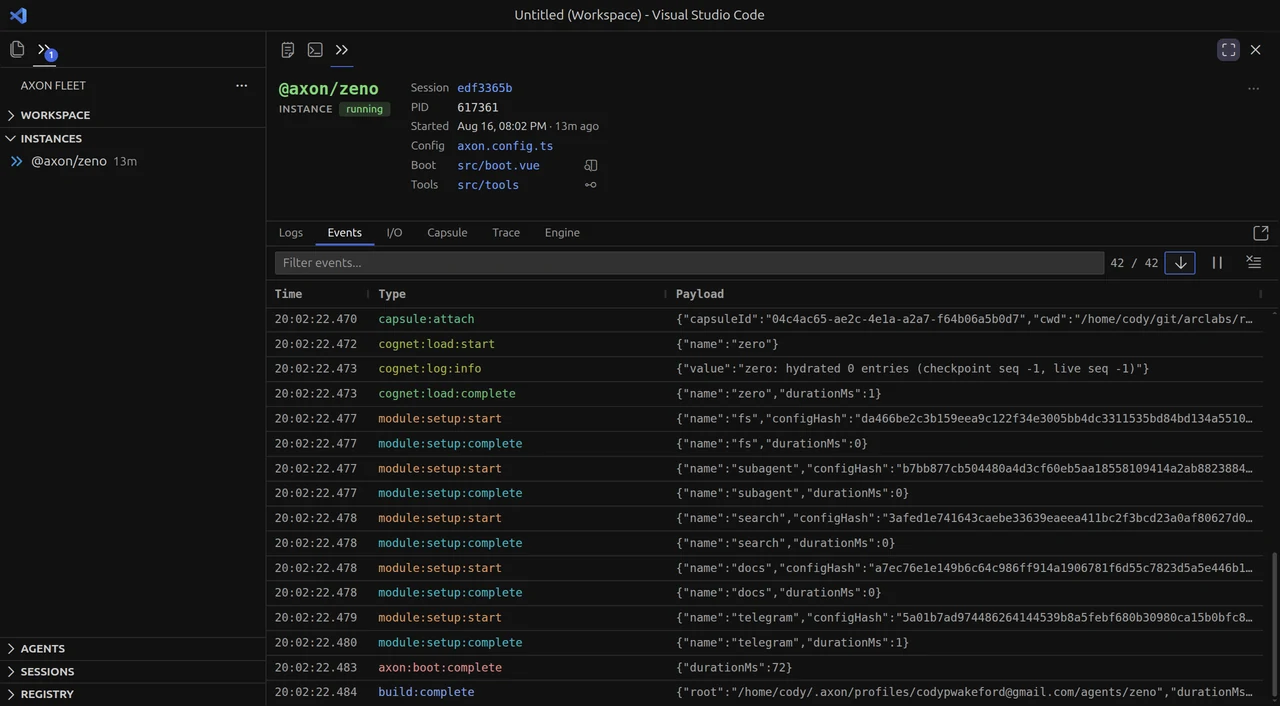
How policy works →Every one of those steps is visible. Fleet brings the fleet into VS Code, and each agent run becomes a timeline you can open — kernel ticks, cognet phases and engine calls on the same axis, so a slow turn shows you exactly where the time went.



Deploy to Axon Cloud for a URL, an API key and durable storage — or build the same folder into a standard container and run it on your own infrastructure. Leaving costs you nothing, which is the only reason to trust that staying is a choice.
$ axon devA hot-reloading dev server on your machine, driven from the terminal you already use.
$ axon deployA stable URL, an API key, durable storage and logs. No Dockerfile, no infra config.
$ axon buildA standard container image from the same folder. Run it on your own infrastructure.
Underneath an Axon agent is a cognet — a cognitive engine with a wake loop, an entity-component world and a phase clock. It has no filesystem, no network and no clock of its own. Ten verbs, stimuli in, actions out.
Which is why the same engine runs a chat agent, a perception stack and a robot. The vehicle here steers toward light on arithmetic alone — no model anywhere in it. Its brain never imports the simulation and the simulation never calls the brain; they exchange stimuli and actions, nothing else. Swap the sim for real hardware and the brain would not notice.